
To reconnect your vrtStick to Wi-Fi:
-
Grab your vrtStick remote and click the Menu button.
-
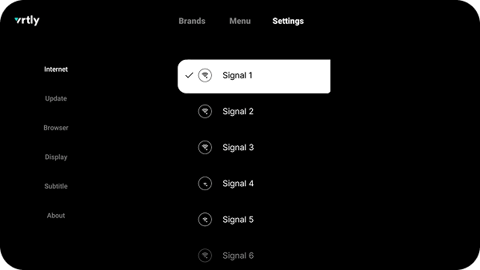
Go to Settings > Internet > select the correct Wi-Fi network.
-
Enter your Wi-Fi password and press Connect.
Once you see a checkmark next to your Wi-Fi network, you will know you have successfully connected back to your Wi-Fi.
Still have questions?
Reach out to our team at support@vrtly.ai