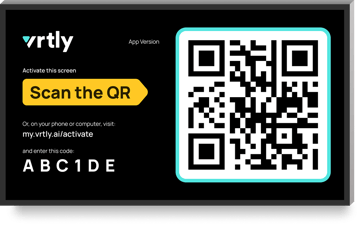
Already signed into your Roku account?
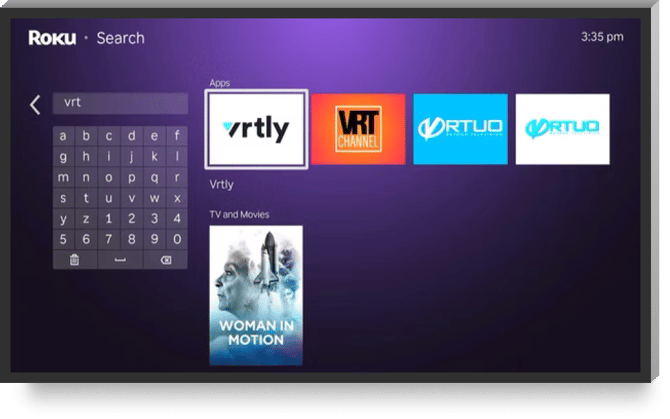
Just search "Vrtly" in the Channel Store.
 |
 |
Roku TV Setup
For in-depth instructions, refer to Roku's documentation:TV Setup, Streaming Device Setup
What you'll need
— Roku connected to your TV
— Internet connection
— Phone or computer
— Access to your email
Steps
- Connect to power
Plug your Roku into a wall outlet or power strip.TV USB power might work but it may not provide enough power, which leads to issues.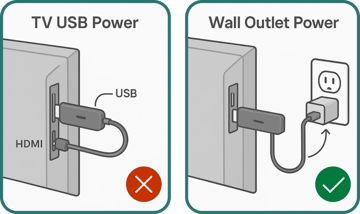
- Pair your remote (if required)
- Select your language and country
- Select Set up for home use
Do not select 'Store Demo' as it will display marketing banners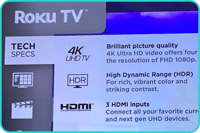
- Connect to Wi-Fi
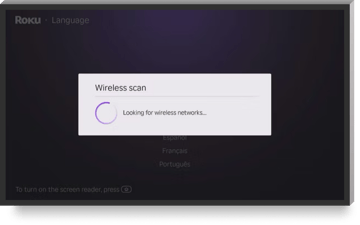
- Ensure the device is up to date
~5-10 mins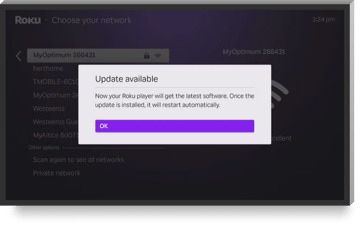
- Activate and link your Roku account
Create an account or sign in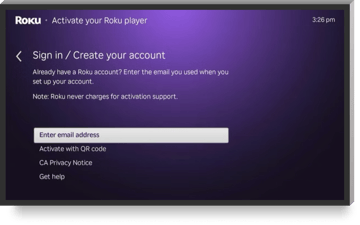
- Click the Home button, then Search
Look for the 'Vrtly' app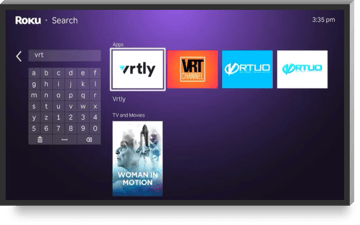
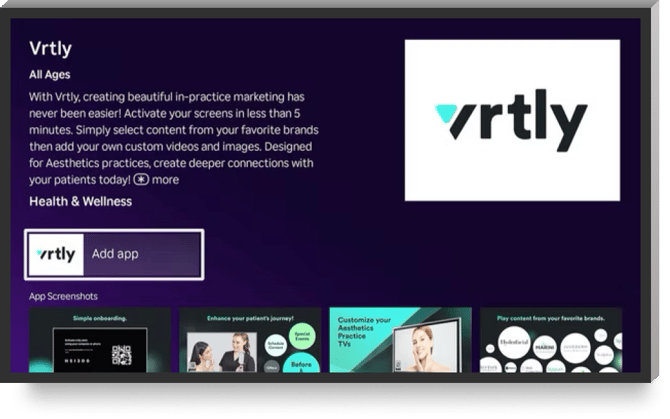
- Add the Vrtly app
Do not open the app yet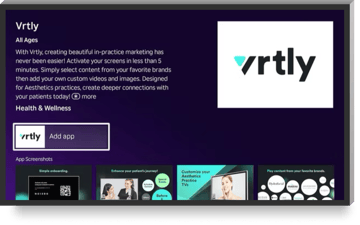
- Move Vrtly to the top
— Click the Home button
— Focus on the Vrtly app
— Press the option on the remote
— Select Move app to top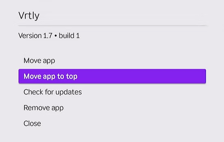
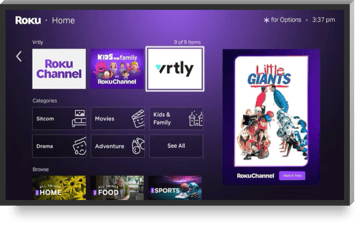
- Open the Vrtly app to activate
Follow the instructions on the screen