
Your screen needs a stable internet connection of at least 2 Mbps where it will be placed. If needed, test the Wi-Fi there using your phone: speedtest.net
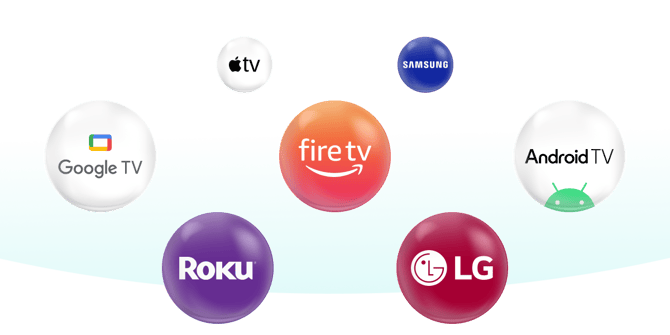
Apple Devices
Download Vrtly on your iPhone or iPad from the iOS App Store, or on your Mac from the Mac App Store. Apple TV support is coming soon!
View Guide


Fire TV
Download Vrtly on Fire TV smart TVs and Fire TV Stick devices connected to your TV. Fire tablets are not supported.
View Guide

Google Devices
Download Vrtly on Google TVs and Android TVs, including Chromecast with Google TV, and ONN streaming devices that run Google TV or Android TV. You can also install it on Android phones and tablets that support Google Play, including devices like Pixel tablets and Samsung Galaxy tablets.
View Guide

LG TVs
Download Vrtly on LG Smart TVs that run webOS.
View Guide

Roku Devices
Download Vrtly on Roku TVs and Roku streaming devices.
View Guide

Samsung Devices
Download Vrtly on Samsung Smart TVs that use Tizen. Older Samsung TVs that do not support apps are not supported.
View Guide
